How to Add ChatGPT to Messages on iPhone
AppleToolBox
Picture: AppleToolBox
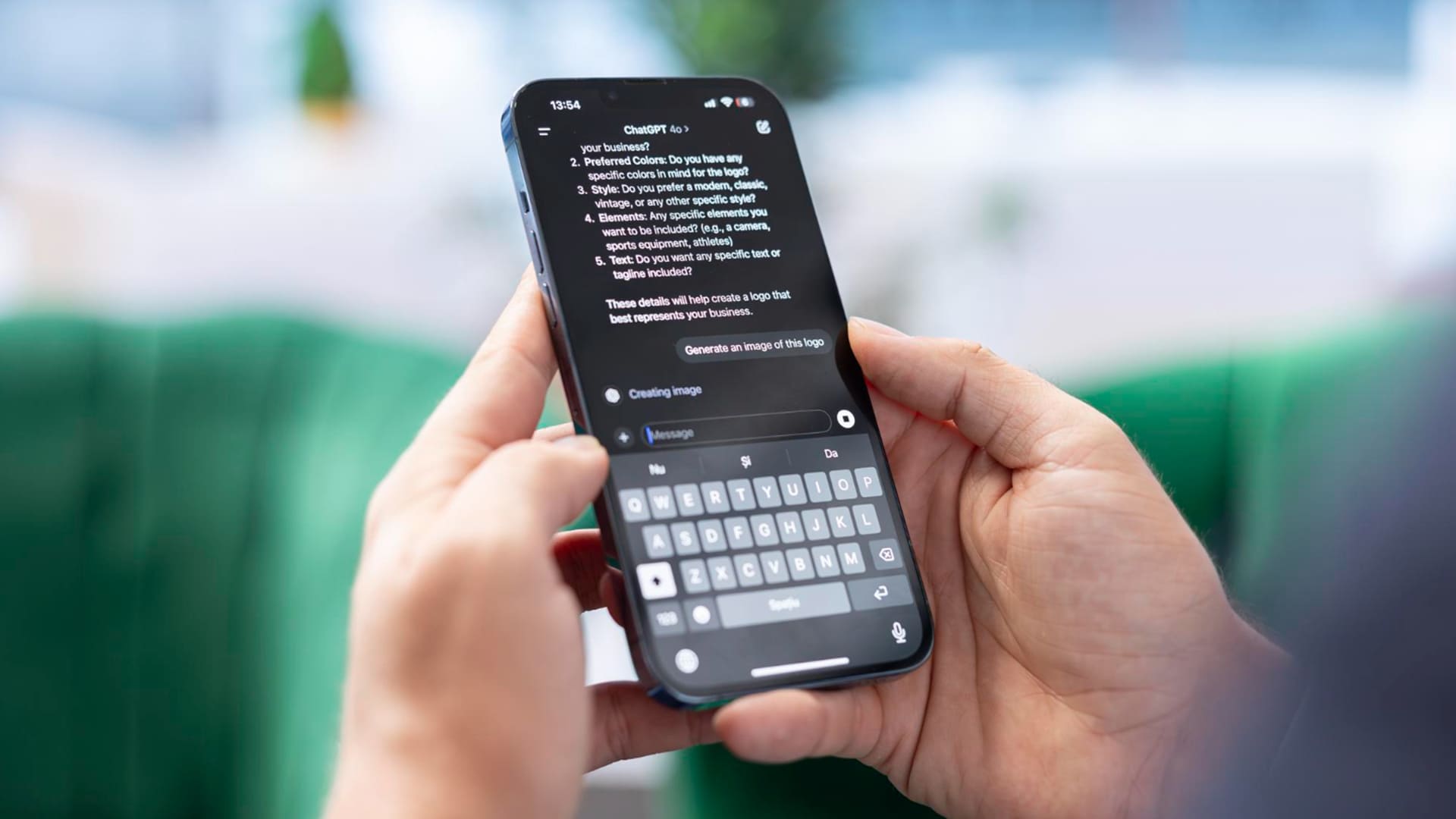
It’s been a long time coming, but AI is finally making inroads into iPhones. Apple Intelligence, introduced in 2024, brought AI-powered features to supported iPhone experiences. OpenAI’s ChatGPT is integrated into several of those features, including Siri and Writing Tools. But how is it done, and how do you add ChatGPT to Messages on iPhone? This article will explore this. Before getting started with ChatGPT and Apple Intelligence, you need to ensure that your iPhone meets the requirements: If you are all set on all of the above, it’s time to enable ChatGPT. There are a few steps to follow to get ChatGPT into your Messages, but the process is pretty straightforward: First things first, we need to enable ChatGPT. Here’s what to do: Step 3.
This report was first published by AppleToolBox. What you see here is a brief excerpt. The full text is theirs.
Continue reading at AppleToolBox